I made all my posts standard.site compatible last weekend, which means I can write in pckt.blog, Leaflet, or Offprint and have the post show up on keith.is. This is my first one from pckt 🎉 🎉 🎉!! I’d been using a combination of Tina, and just writing in my editor.
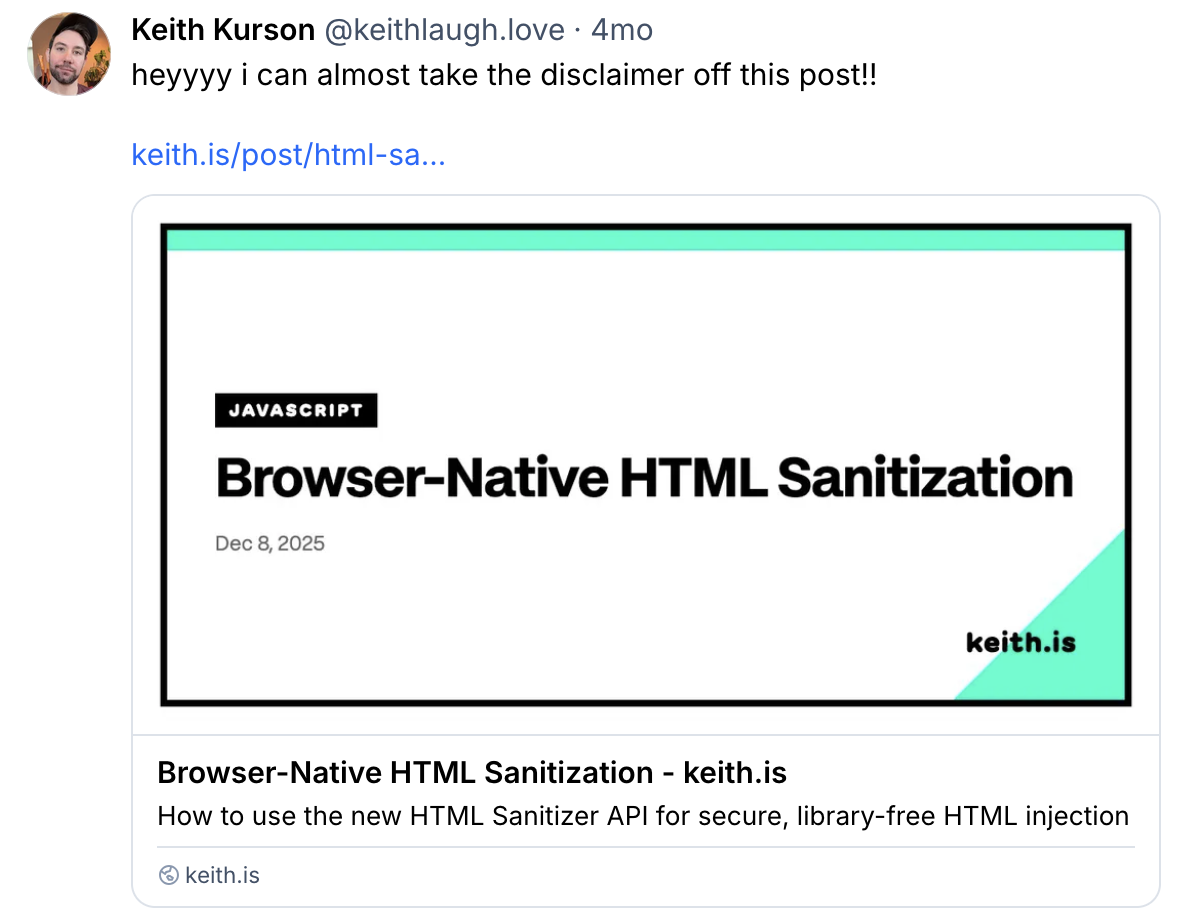
Then I went to share one of those posts on bluesky to see the cool new embed and saw that… and my old OG image. I think I spent fifteen minutes on it once when I migrated from eleventy to Astro, gave it some bright colors and a shape(s) and then didn’t really think about it again.
What I’m copying
A while back, Luke Patton built a site on Glitch that generated a bunch of beautiful canvas cards, with each one totally different. RIP Glitch 🥺, but that means that the site doesn’t exist anymore and I only had a screenshot of one of the cards - Tapu Fini. Little vertical paintings made out of colored sine waves.
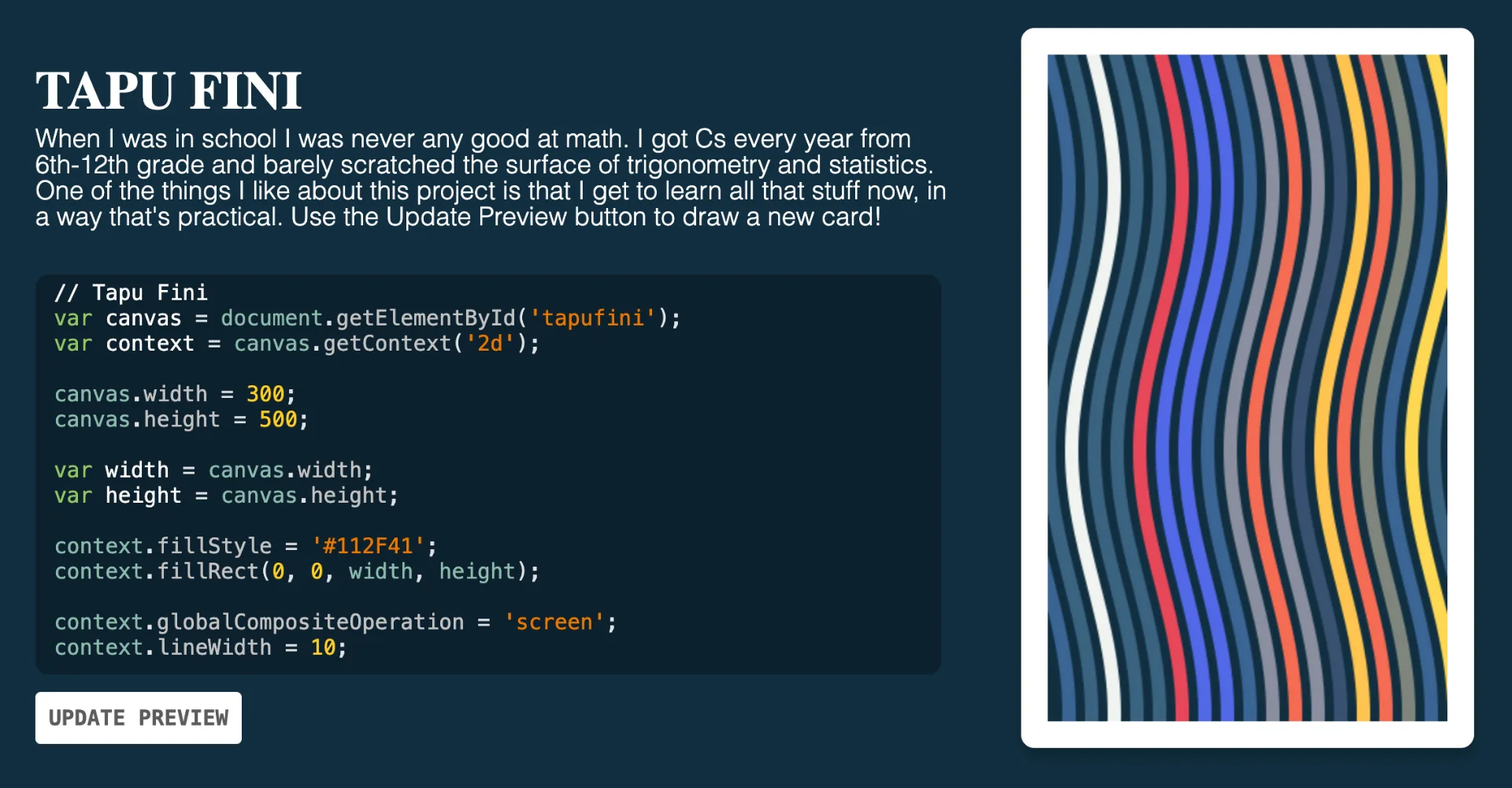
So I rebuilt it from the screenshot. The whole effect is one idea: draw a stack of vertical sine waves next to each other, each one a different color.
function drawSine(x, color) {
  let waveY = -10;
  context.beginPath();
  while (waveY < height + 10) {
    let waveX = x + amplitude * Math.sin(waveY / frequency);
    context.lineTo(waveX, waveY);
    waveY++;
  }
  context.strokeStyle = color;
  context.stroke();
}
Walk x across the canvas, call that at each step, and pick a random color each time. Generative Art, the old fashion way!
I tried giving each ribbon its own random amplitude, figuring it would look more organic. It just opened ugly dark gaps between the waves. The fix was the opposite of what I assumed. Every wave shares the same amplitude and frequency, so they stay parallel and pack tight against each other, and the only thing that changes per ribbon is the color. Once I made the waves identical again, it looked like the screenshot.
Making it “keith.is”
The first change was the palette. Luke’s card had its own colors, so I swapped in the keith.is set (each post ‘type’ has a different color. they are very bright.):
const colors = ['#ff3399', '#ffee00', '#00ffcc', '#39ff14'];Pink, yellow, teal, and lime on a near-black ink (#080a12).
I didn’t want every card to be identical, but I also didn’t want them re-rolling on every build, since an OG image gets cached and I want a given post to keep the same card. So each post seeds its own art from its slug.
function hashStr(s) {
  let h = 0;
  for (let i = 0; i < s.length; i++) h = (h * 31 + s.charCodeAt(i)) | 0;
  return h >>> 0;
}
Hash the slug, feed that into a small seeded random, and use it to pick the amplitude, the frequency, the phase offset, and the order the colors come out in. The same slug produces the same painting. A different post produces a different one. Slightly generative.
Luke’s cards were portrait, 300x500, shaped like a trading card. OG images are 1200x630, wide. I kept the waves running vertically but spread them across the full width, so instead of one tall card you get a wide banner of stripes. It reads much better in a Bluesky link preview, which is the one place almost everyone will actually see it.
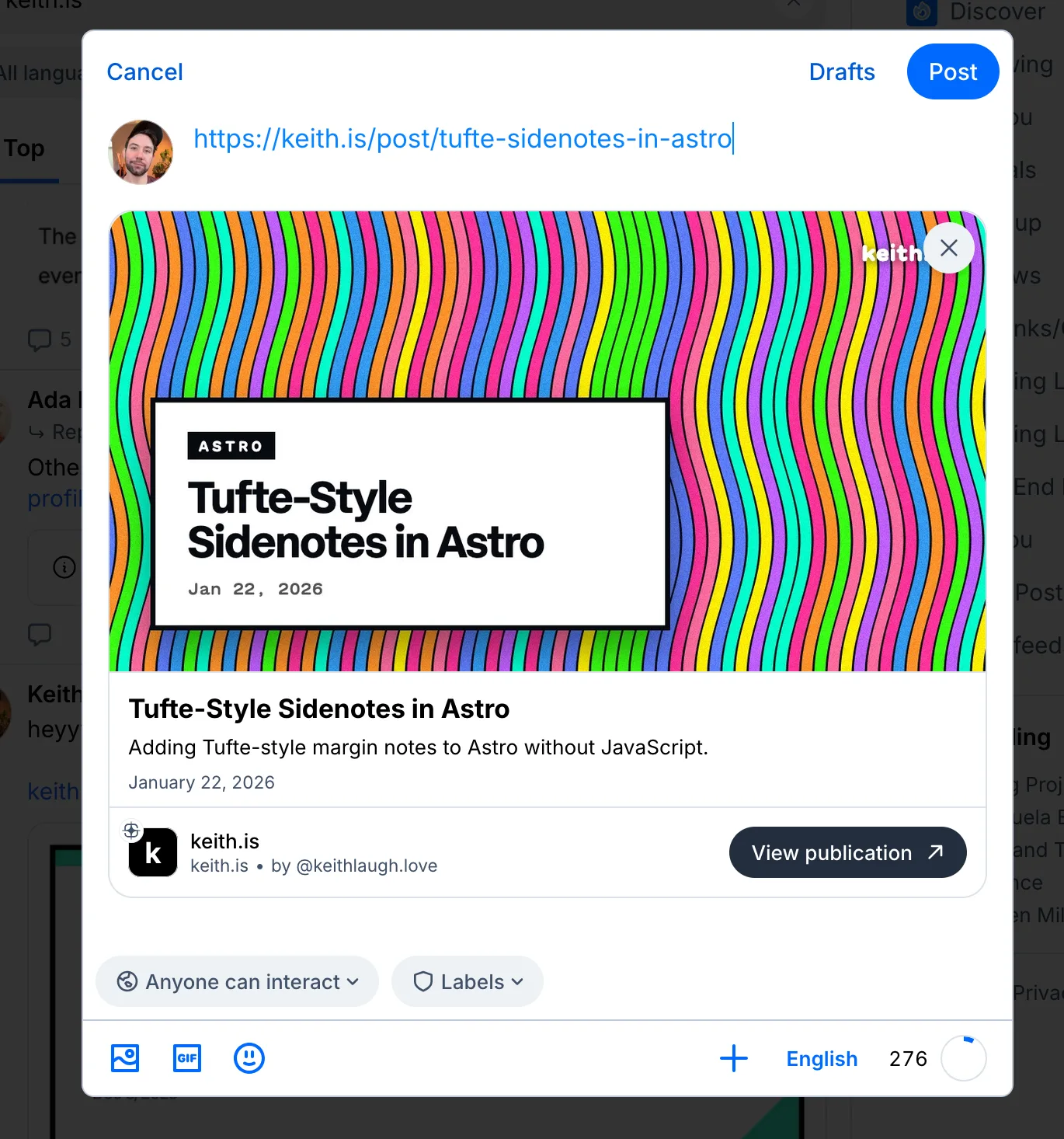
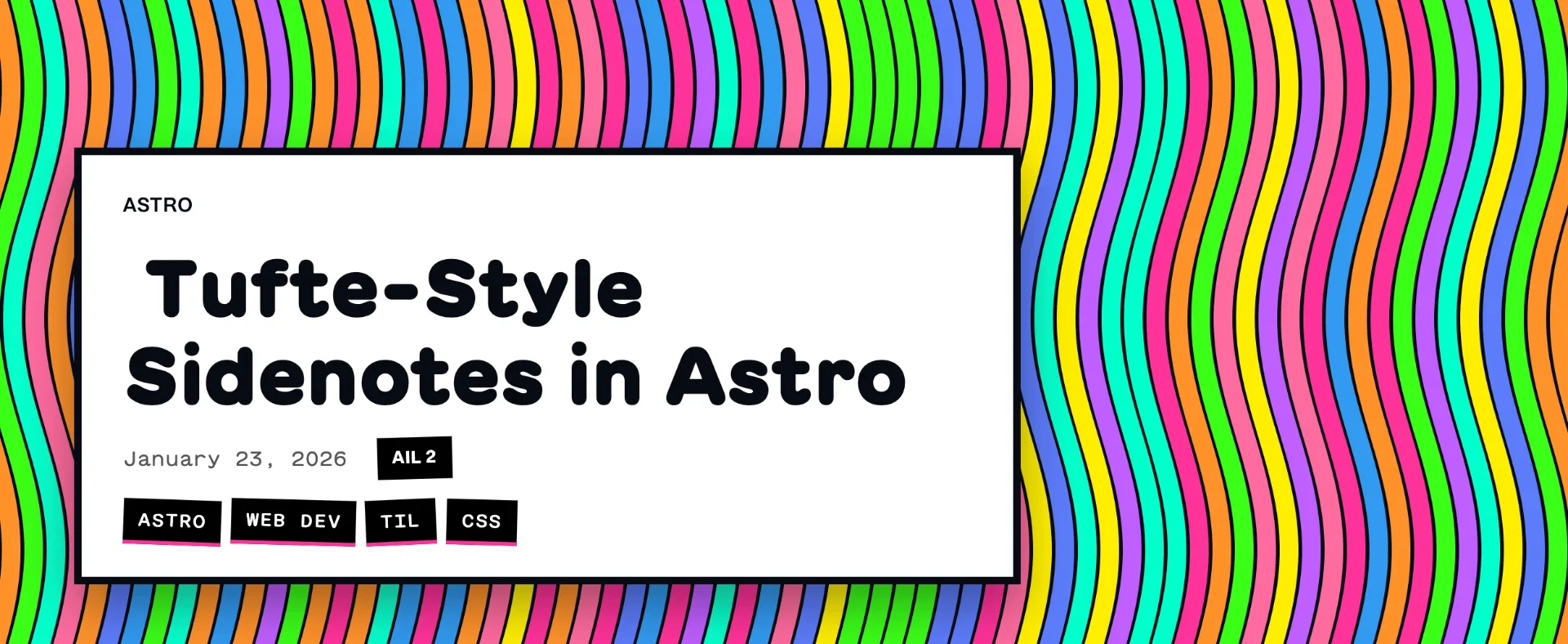
Once I saw it on the card, I really liked it and wanted my post pages to match, so the hero behind each title draws from the same seeded art.
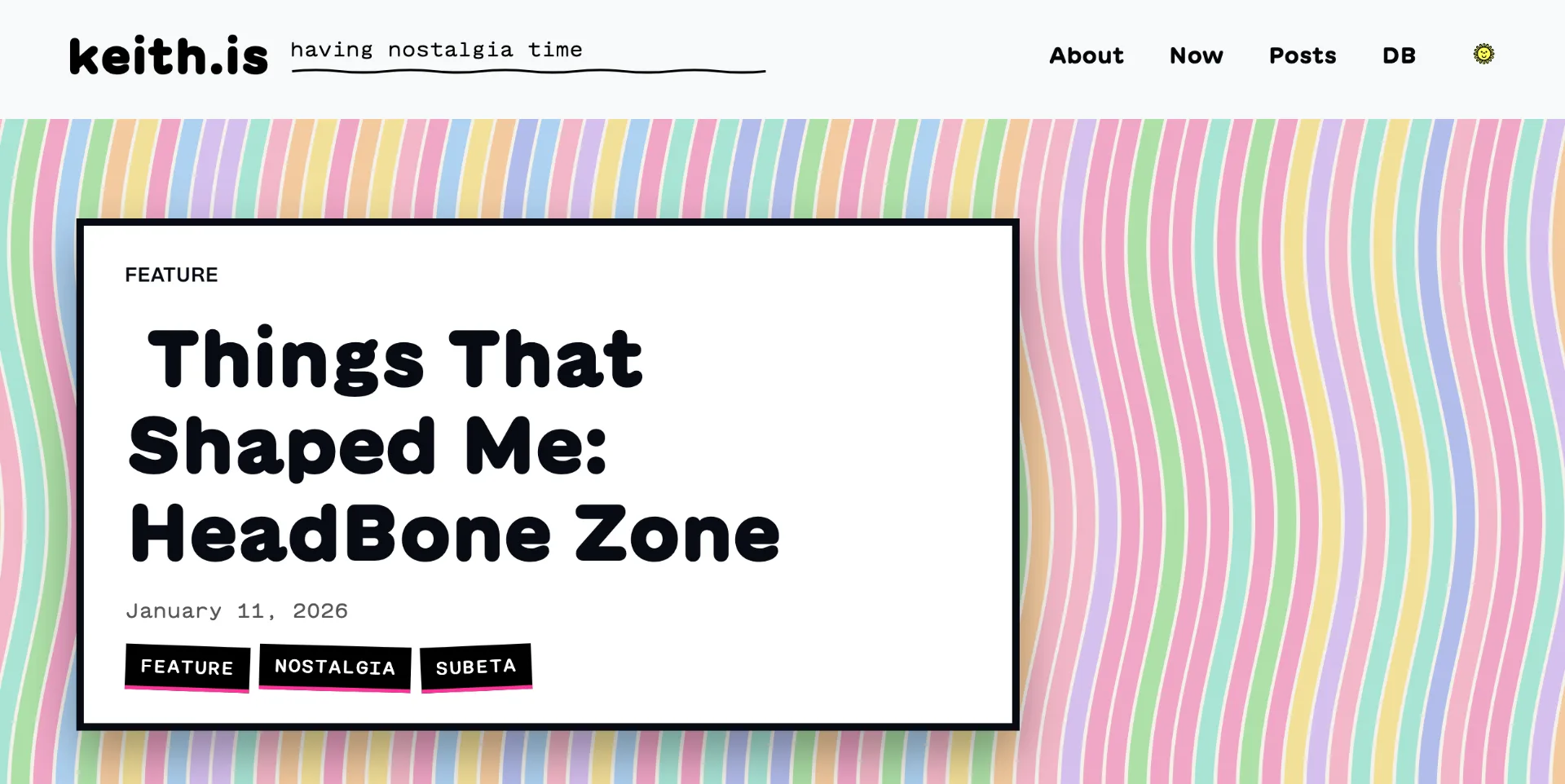
That worked in dark mode right away: full neon on near-black, glowing under the title. In light mode it was too much, a wall of fluorescent stripes sitting right under my header. Actually blinding. So light mode gets a quieter treatment, pastel ribbons on warm paper (#f4f1ea) instead of neon on ink, and it repaints when you flip the theme toggle. It’s the same seed either way; the palette is the only thing that swaps.
The code
Here’s the entire generator in one file. Drop it next to a <canvas>, hand it a post slug, and it paints the card. The title and date that sit on top are just HTML; this is only the colored part.
// keith.is colors. They are loud on purpose.
const NEON = ['#ff3399', '#ffee00', '#00ffcc', '#39ff14'];
const INK = '#080a12'; // the near-black the ribbons sit on in dark mode
// In light mode I swap these in instead, because the neon version is blinding.
const PASTEL = ['#f0a6c6', '#f3e09a', '#a9e4d6', '#aee0a8'];
const PAPER = '#f4f1ea';
// Tiny seeded random. I need it repeatable so a given post draws the
// exact same card every time, even months later on a fresh build.

function mulberry32(a) {
  return function () {
    a |= 0;
    a = (a + 0x6d2b79f5) | 0;
    let t = Math.imul(a ^ (a >>> 15), 1 | a);
    t = (t + Math.imul(t ^ (t >>> 7), 61 | t)) ^ t;
    return ((t ^ (t >>> 14)) >>> 0) / 4294967296;
  };
}

// Turn a slug like "things-that-shaped-me-headbonezone" into a number to seed the random.
function hashStr(s) {
  let h = 0;
  for (let i = 0; i < s.length; i++) h = (h * 31 + s.charCodeAt(i)) | 0;
  return h >>> 0;
}

// Draw the field of vertical sine ribbons.
function drawWaveField(ctx, width, height, seed, colors) {
  const rand = mulberry32(seed);
  const pick = (arr) => arr[Math.floor(rand() * arr.length)];
  const step = 18;             // gap between ribbons
  const lineWidth = step - 3;  // a hair thinner than the gap so they nearly touch
  const amplitude = 14 + rand() * 12;
  const frequency = 28 + rand() * 42;
  const phase = rand()  Math.PI  2;
  ctx.lineWidth = lineWidth;
  ctx.lineCap = 'round';
  // Start a little off both edges so the side-to-side swing never reveals a gap.
  for (let x = -amplitude - step; x < width + amplitude + step; x += step) {
    ctx.strokeStyle = pick(colors);
    ctx.beginPath();
    for (let y = -10; y <= height + 10; y++) {
      const waveX = x + amplitude * Math.sin(y / frequency + phase);
      if (y === -10) ctx.moveTo(waveX, y);
      else ctx.lineTo(waveX, y);
    }
    ctx.stroke();
  }
}

// Paint a canvas from a slug. theme is 'dark' (neon on ink) or 'light' (pastel on paper).

function paintCard(canvas, slug, theme = 'dark') {
  const ctx = canvas.getContext('2d');
  const { width, height } = canvas;
  const colors = theme === 'dark' ? NEON : PASTEL;
  const ink = theme === 'dark' ? INK : PAPER;
  ctx.fillStyle = ink;
  ctx.fillRect(0, 0, width, height);
  drawWaveField(ctx, width, height, hashStr(slug), colors);

}

// For the OG image the canvas is 1200x630. On the post hero I size it to the
// element and repaint on the theme toggle, but the drawing is exactly this.

const canvas = document.getElementById('og');
paintCard(canvas, 'you-are-the-driver', 'dark');
Thank you again to Luke Patton, these canvas cards have really stuck in my memory!